
Common Printing Mistakes and How to Avoid Them
Introduction
Printing is a crucial part of many businesses, but even minor mistakes can lead to costly errors and delays. Understanding common printing mistakes and how to avoid them can save both time and resources. In this post, we’ll explore some typical pitfalls and offer practical solutions.
Incorrect File Preparation
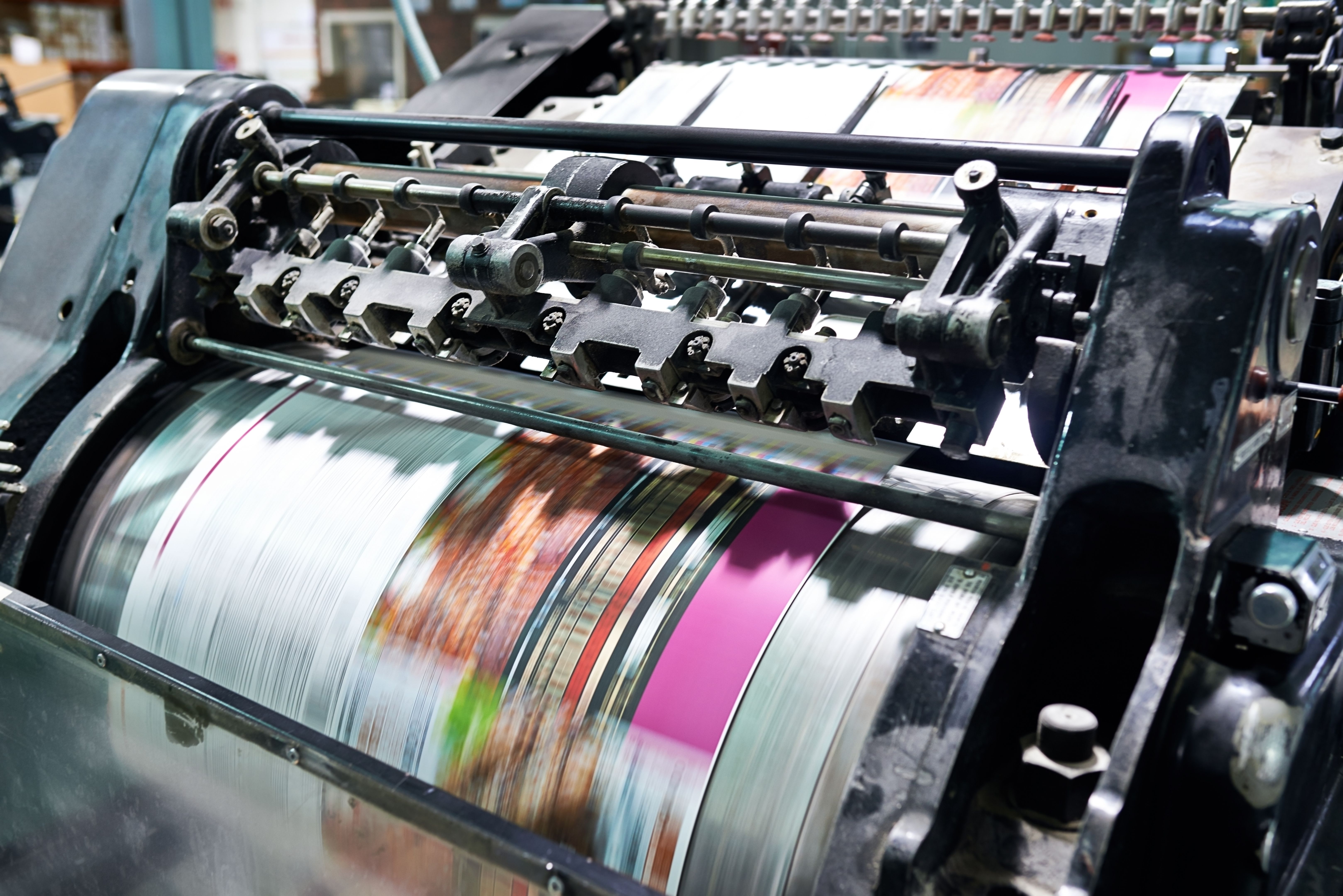
One of the most frequent issues in printing is incorrect file preparation. This can include problems like low resolution, missing fonts, or incorrect color modes. To avoid these issues, always ensure your files meet the printer's specifications.
Resolution and Quality
Ensure all images and graphics are at least 300 DPI (dots per inch) for quality results. Low-resolution images can appear blurry or pixelated. Double-check the resolution settings before sending files to the printer.

Color Mode
Printers typically use the CMYK color mode, while screens display in RGB. Convert your files to CMYK to ensure the colors print as expected. This step is crucial for maintaining color accuracy in your final product.
Choosing the Wrong Paper Type
Paper type can significantly affect the appearance and feel of your printed materials. Choosing the wrong type can lead to dissatisfaction with the final product. Consider the purpose of your print job when selecting paper.
- Glossy: Great for images but can be difficult to read when used for text-heavy documents.
- Matte: Ideal for readability, making it a good choice for brochures and reports.
Misaligned Layouts
Misaligned layouts can ruin the professional appearance of printed materials. Always use templates or guides to ensure everything is aligned correctly. This is especially important for items like business cards and brochures, where precision is key.
Bleed and Margins
Include a bleed area in your design if your print includes edge-to-edge graphics. A standard bleed is usually 0.125 inches beyond the document edges. Also, keep essential text and images away from the margins to prevent them from being cut off.

Not Proofreading
Errors in text can be embarrassing and costly. Always proofread your documents multiple times and, if possible, have someone else review them as well. A fresh pair of eyes can catch mistakes you might have overlooked.
Final Checks
Before sending your files to print, perform a final check for any spelling or grammatical errors. Additionally, ensure all contact information and details are correct, particularly for business materials.
Conclusion
By being aware of these common printing mistakes and taking steps to avoid them, you can ensure that your printed materials are professional and effective. Proper preparation and attention to detail can make all the difference in achieving high-quality results.